November Update: fallback theme packs, gift card changes, tablet layouts
The Mirror Dungeon planner now has fallback theme packs, and gift cards and tablet layouts were reworked.
01 Fallback theme packs
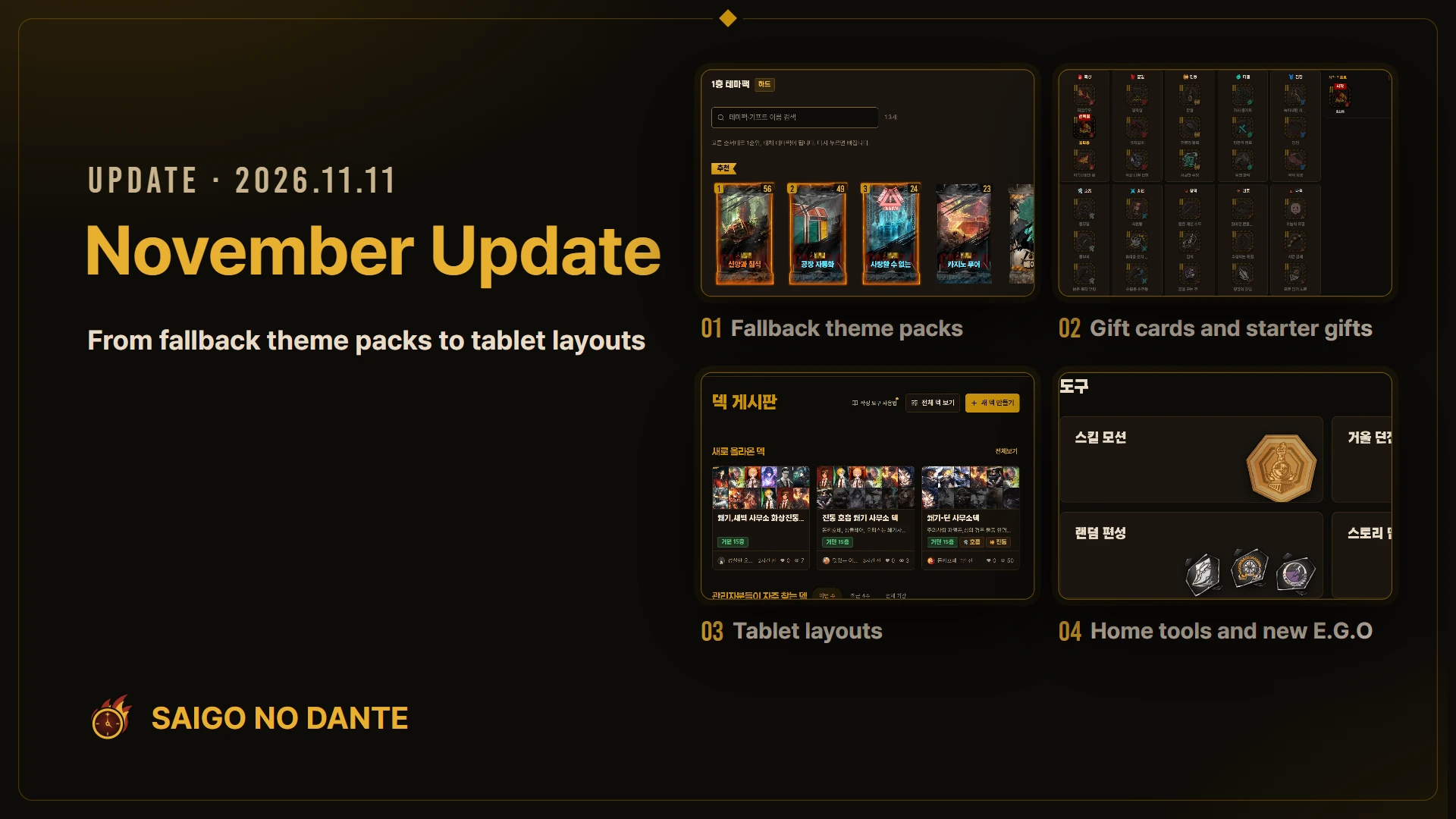
Each floor can list fallback theme packs in order, after its first choice.
The theme pack picker no longer closes after each pick. Packs rank in the order you pick them, and picking one again removes it. It has Clear all and Done buttons.
Fallback packs sit behind the first-choice card and fan out when you hover over them or tap the edge that peeks out.
Assist Mode also shows the fallback packs of the plan.
02 Gift cards and starter gifts
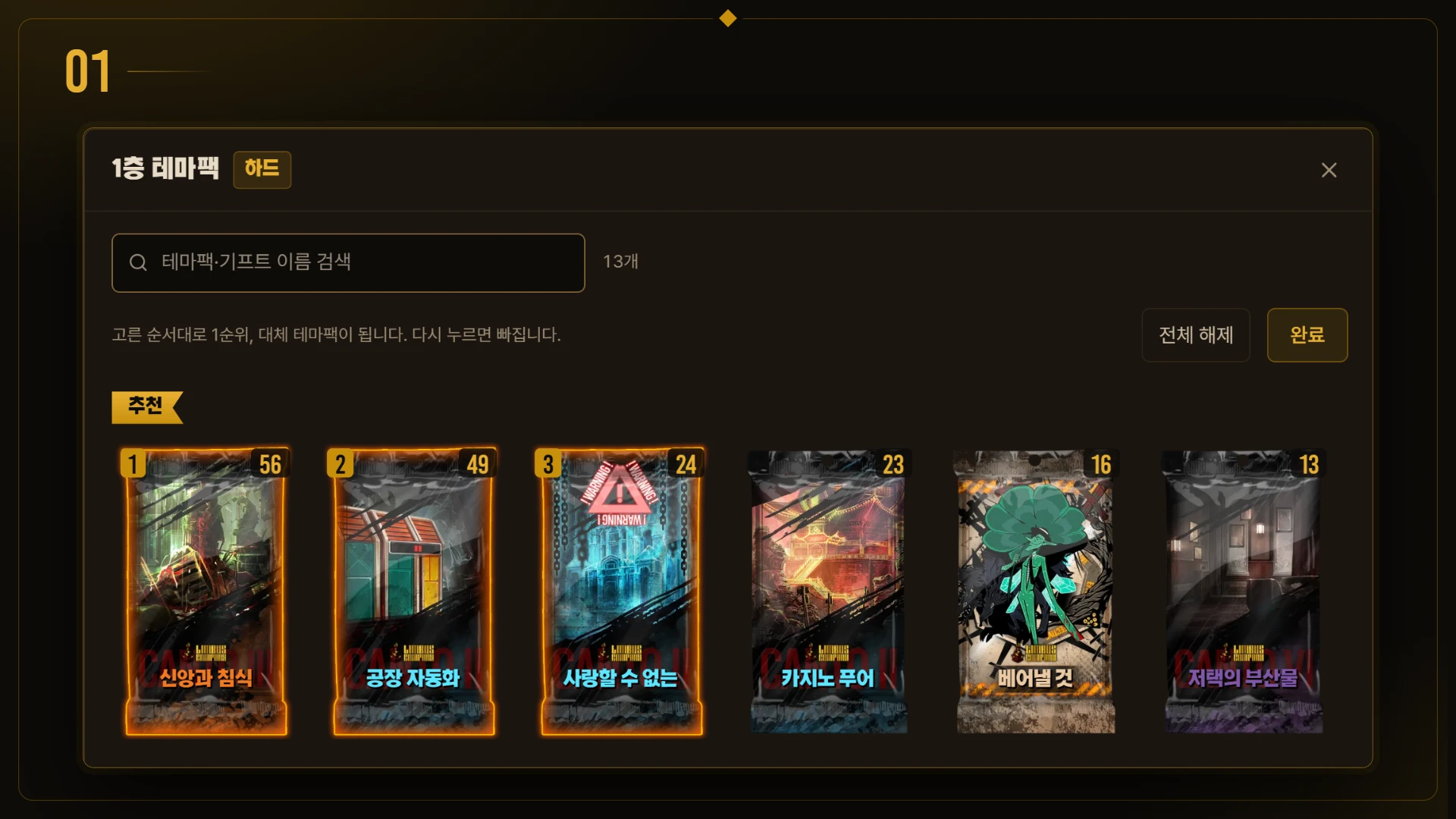
Starter gifts are laid out as one column per keyword. A picked gift carries the same Selected band as every other gift list.
The button that removes a gift looks the same in every list, and is always visible on touch screens.
Hold a gift to open its details: the enhancement level picked there is applied to the final gift plan.
Enhanced gifts show + or ++ after their name.
A quick tap no longer shows the hold gauge.
03 Tablet layouts
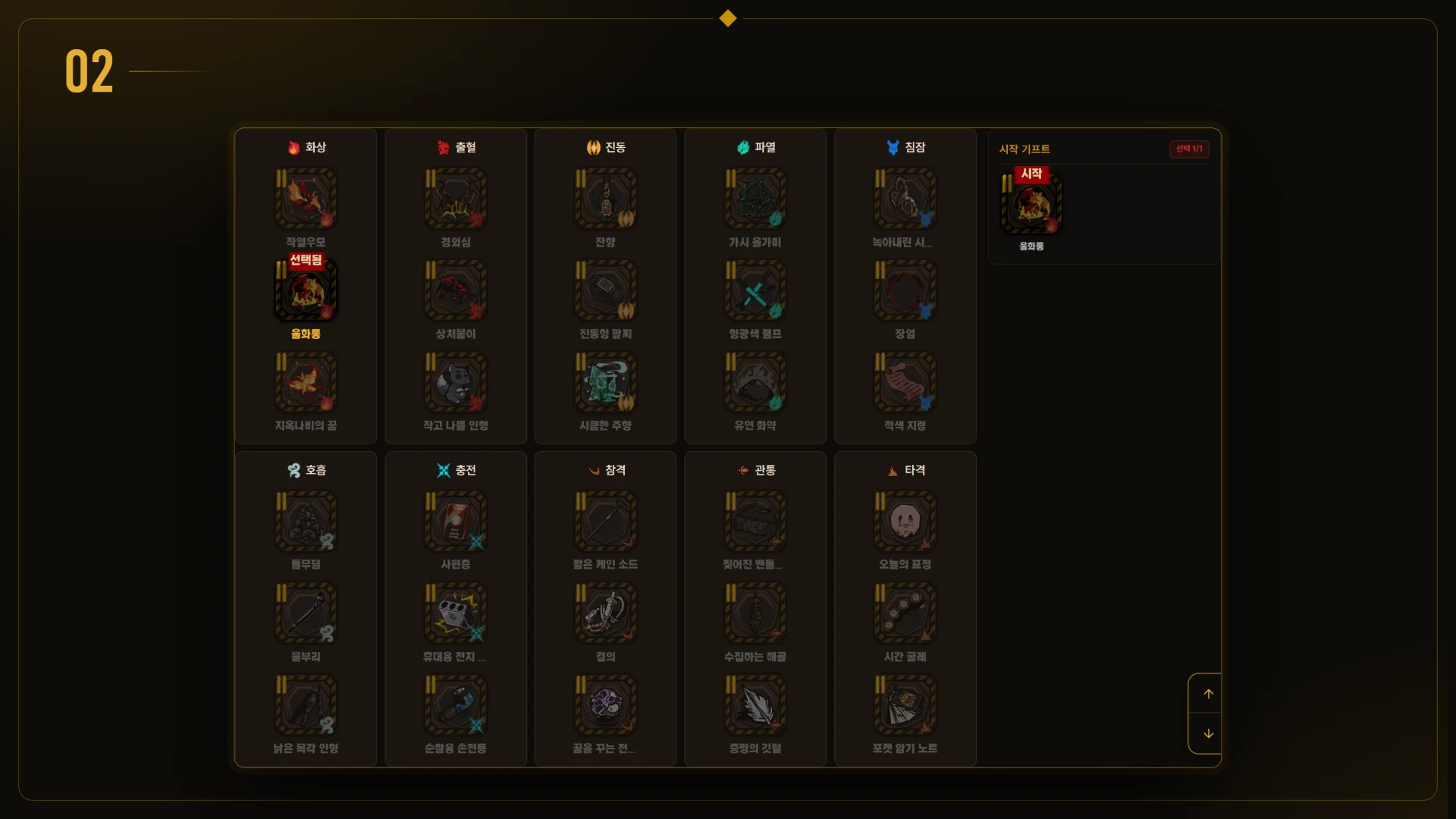
The deck and plan boards, Analysis, friend codes, blessings and the planner header were adjusted for tablet widths: no more pushed text or empty space on the right.
Menus and dropdowns rise in briefly instead of popping in.
Scrollbars look the same across and down, and thicken under the pointer so they are easier to grab.
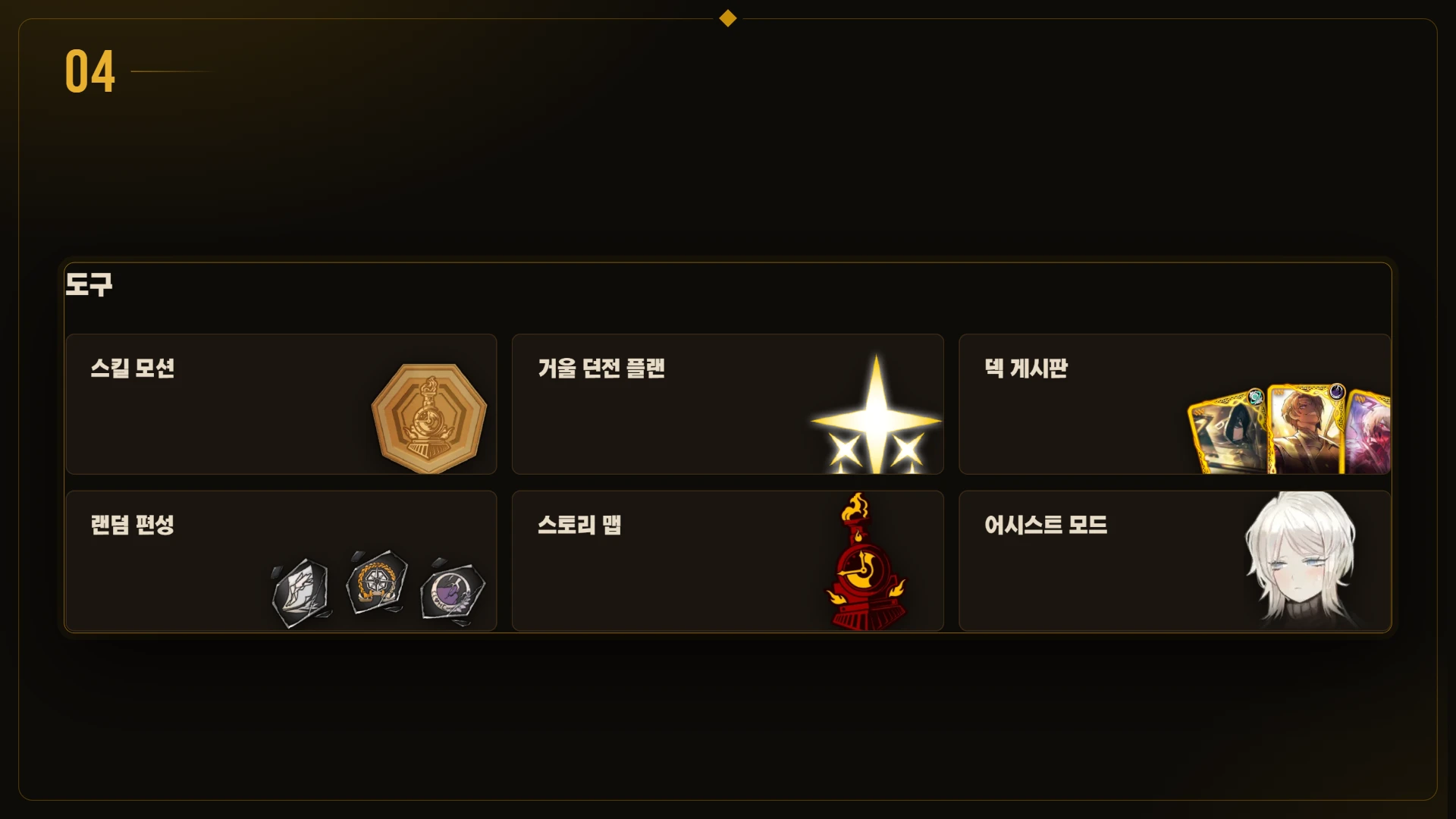
04 Home
Skill Motion and Story Map were added to the tools.
Up to six new E.G.O are shown.
Portraits on popular deck and plan cards are no longer blurry.
Other changes
Order numbers and lock marks were removed from deck and plan card portraits.
Theme pack card titles are no longer cut off at the top.
Good to know
Plans you already saved open as before.
If a page looks unchanged, reload it.
The screenshots are from the Korean site.