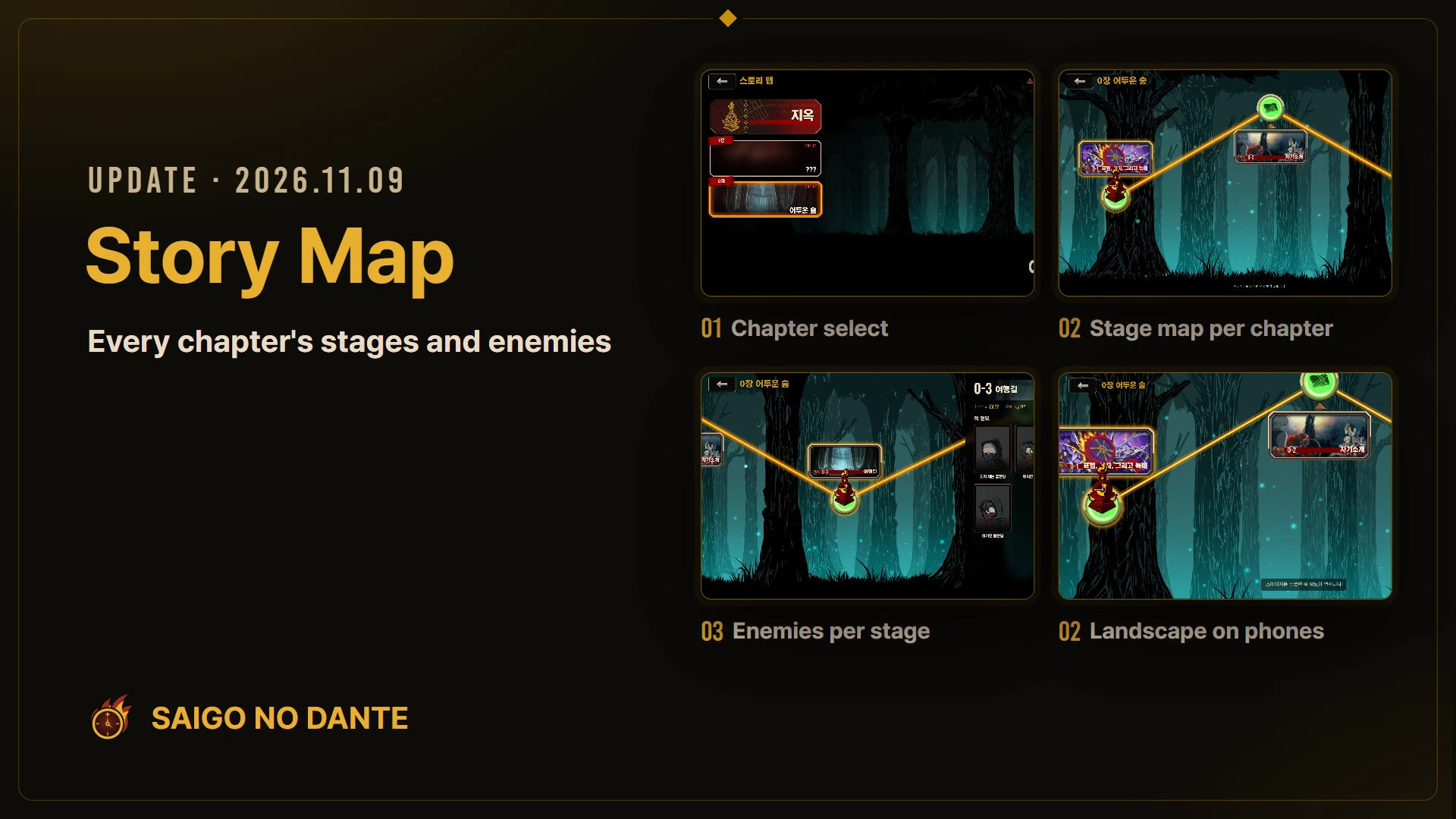
New: Story Map with every chapter's stages and enemies
The DB menu now has a Story Map. Pick a main story chapter to see its stage map as in the game, the enemies of each stage, and its story dungeons.
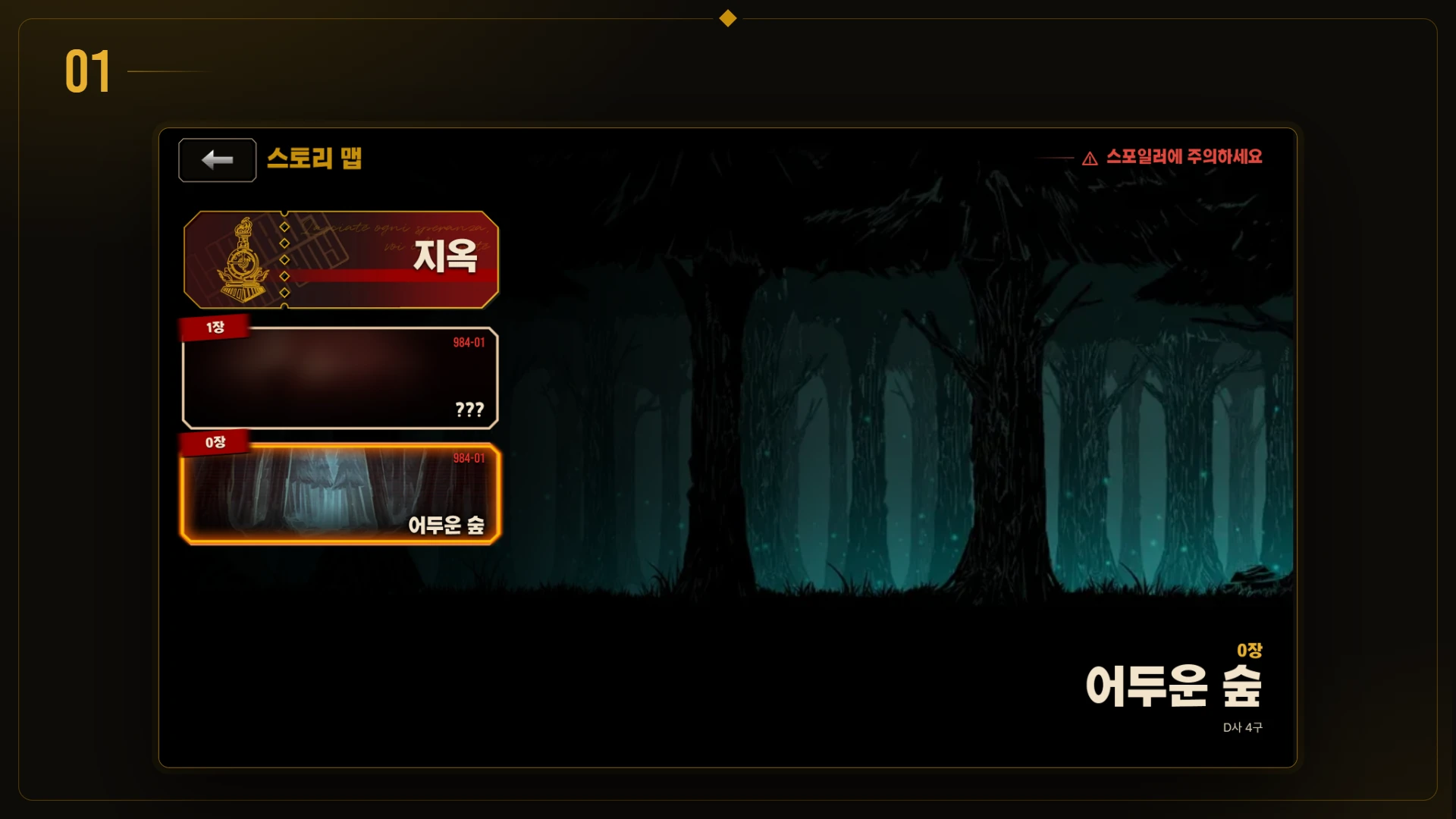
01 Chapter select
Open it from DB → Story Map in the top menu. As in the game's chapter select, the chapter cards sit on the left and the chosen chapter's map on the right.
To avoid spoilers, only Chapter 0 shows at first and the next chapter appears as ???. Pressing a ??? card opens chapters up to it.
This browser remembers the chapters you opened. A shared link to a chapter you have not opened shows a spoiler warning first; press Open anyway to see it.
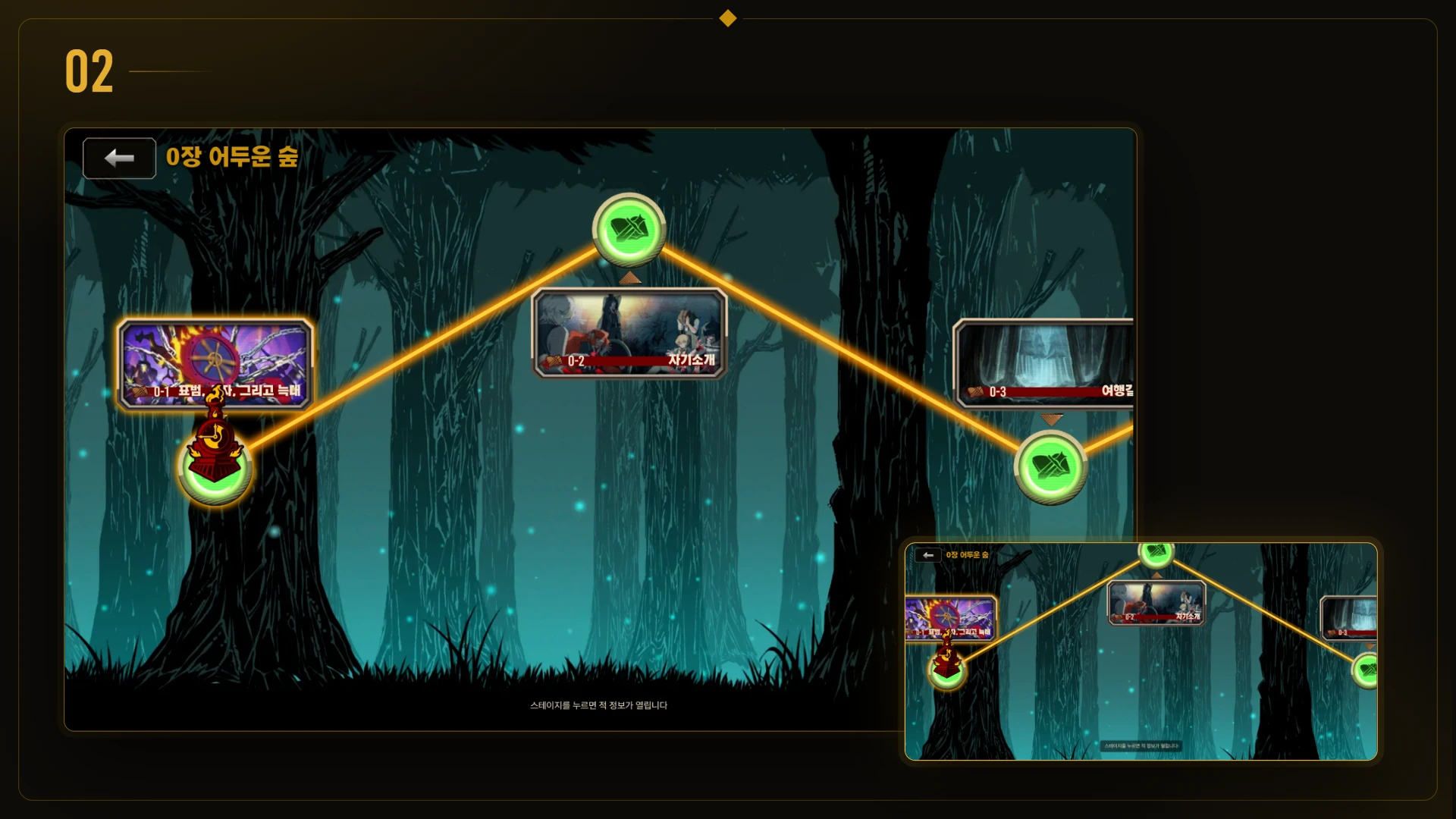
02 Stage map
Each chapter shows the game's stage map and stage cards. Drag to move; zoom with the mouse wheel or two fingers.
Chapters split into parts have buttons at the top right that jump to the start of each part.
On PC, each chapter's map effects play over the map.
Phones always show it in landscape, with a View full screen button first.
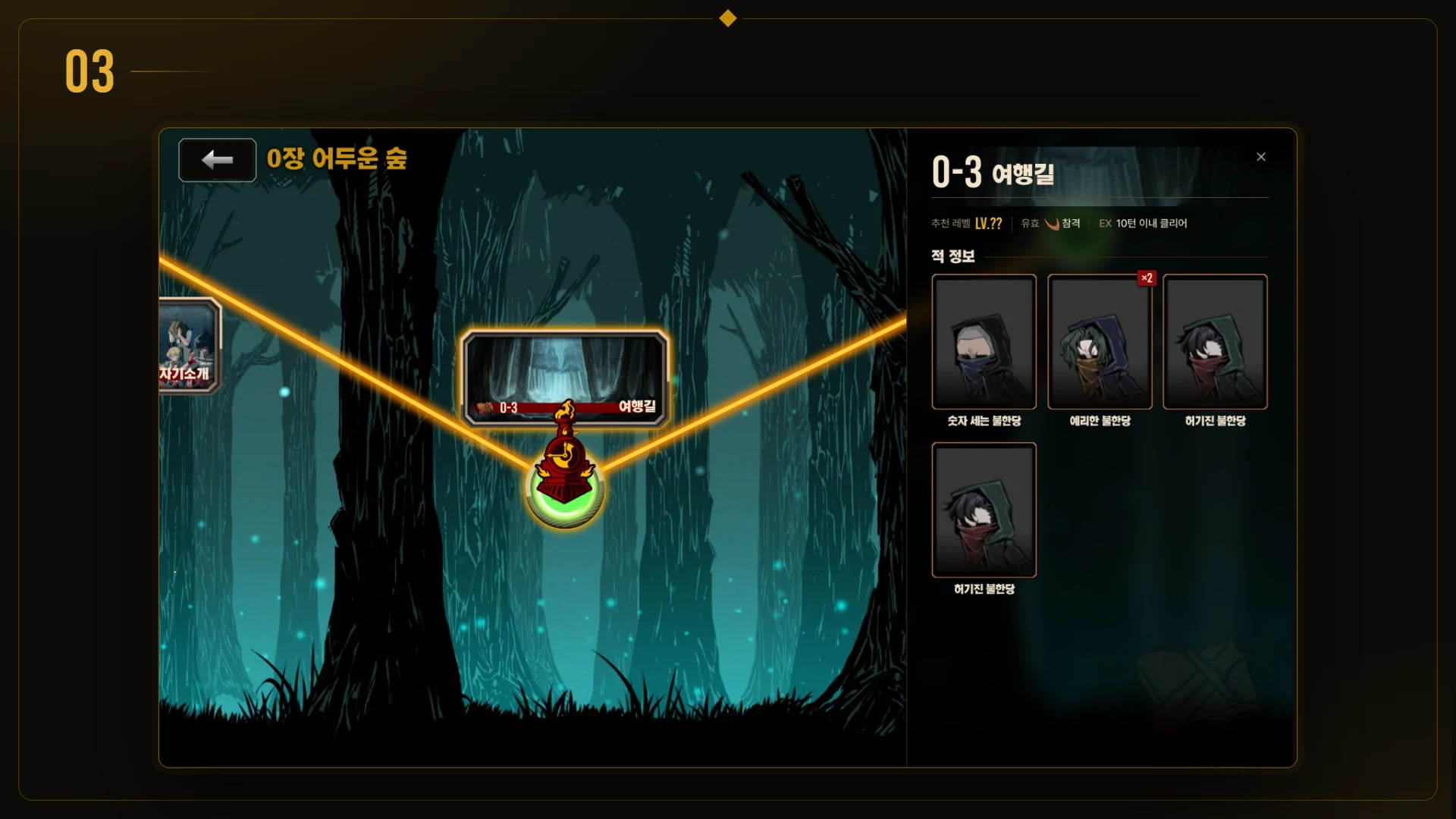
03 Enemies per stage
Press a stage to see its recommended level, effective attack types, EX clear condition and enemies on the right.
For stages with several waves, press a number to see each wave's enemies.
Enemies that could be spoilers are hidden behind ? until pressed.
04 Story dungeons and choice events
On a dungeon stage you can go inside and see each floor's rooms and the gifts you can get.
Press an event room to see its choices, results and checks (threshold, check passed and check failed results), as in the game.
To avoid spoilers, this notice has no dungeon screenshots.
Good to know
Your progress is saved in this browser only. On another device or browser, open the chapters again.
On phones the map effects are off to keep it light.
The screenshots show the Korean site.
If something looks wrong, let us know through Support.