October update: series, new note blocks and easier writing
Today's update adds series to group your decks and plans, and new blocks for plan and deck write-ups. Writing decks and plans is easier, and the search box and popular lists have been reworked.
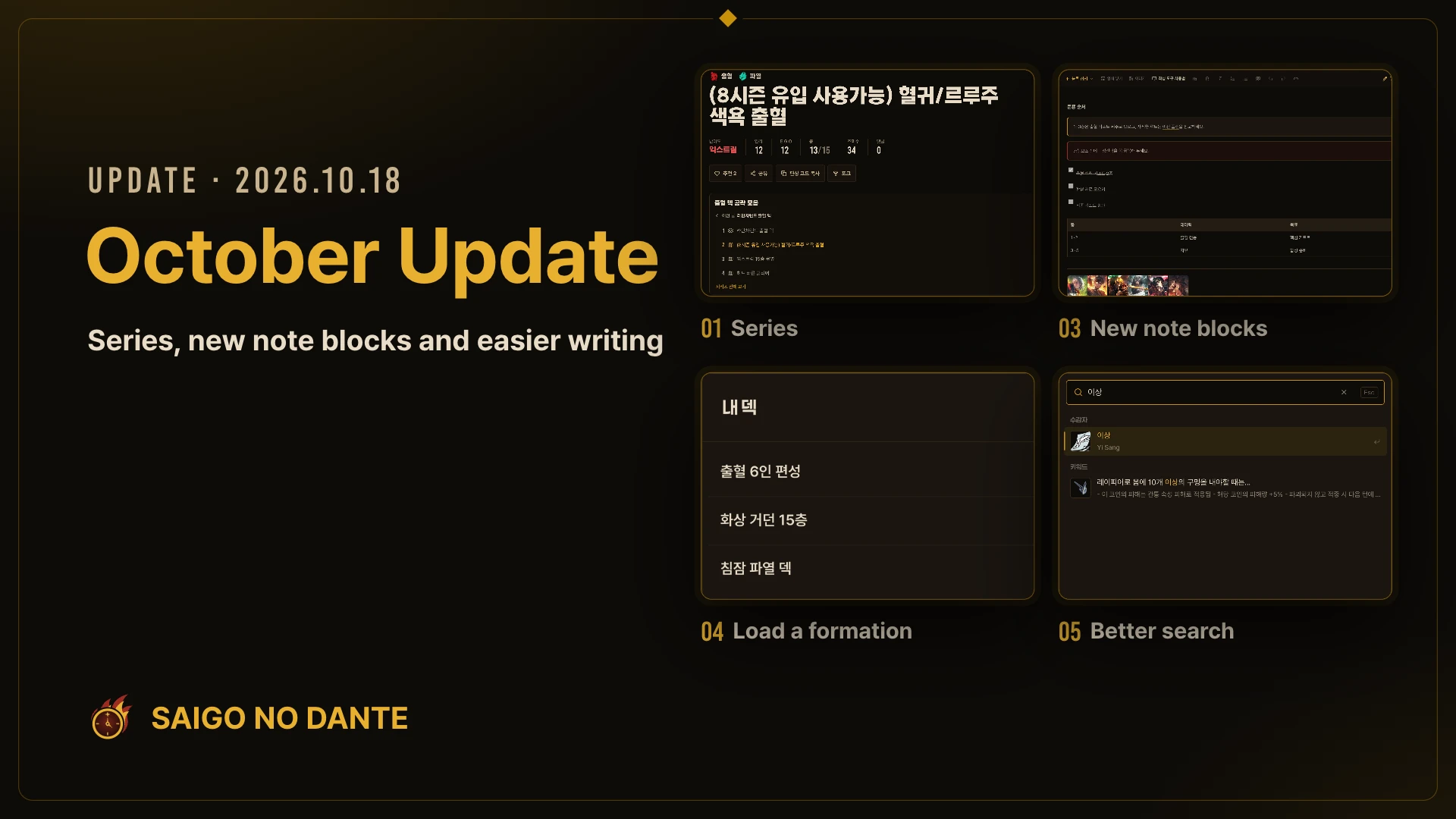
01 Series: the series box on detail pages
You can group your own decks and plans into one series. Decks and plans can be mixed in the same series.
A post in a series shows a series box near the top of its detail page: the series name, its position (e.g. 2/4), and the previous and next posts.
The arrow on the right unfolds the list of posts in the series. The post you are reading is shown in gold.
On deck and plan details, the author's name now opens their public profile. Authors with a private profile show only the name.

02 Whole series and choosing a series
'View whole series' in the series box opens the series page: every post in order as a numbered card, with the number of decks and plans at the top.
Choose a series with the 'Series' button in the deck builder and the plan editor. Pick an existing series or type a title to create a new one. The button appears when you are signed in.
A newly added post goes to the end of the series. The owner can rename the series, change the order or delete it on the series page. Deleting a series keeps its posts.
Public profiles list the person's series too.

03 New note blocks
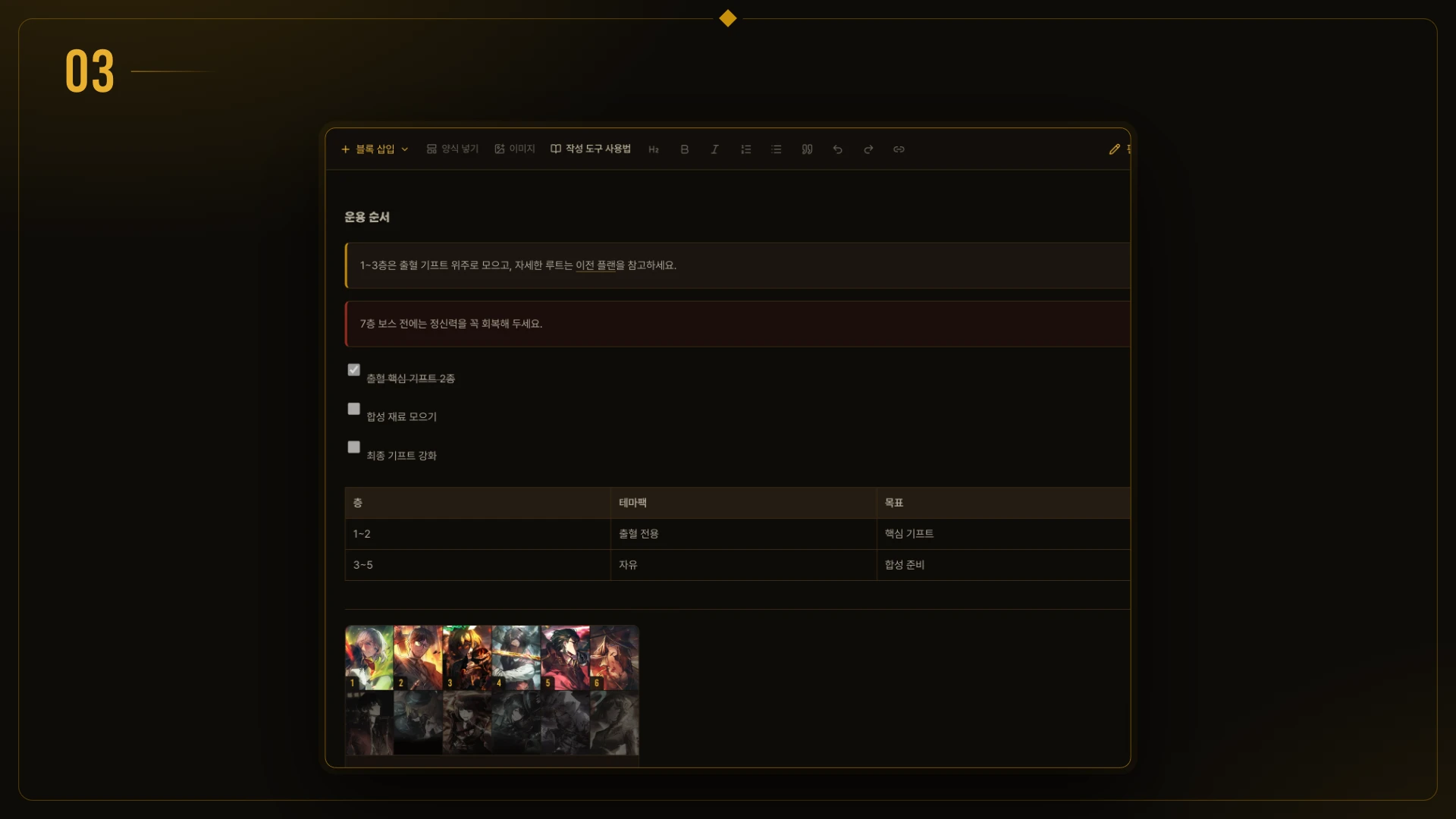
'Insert block' (or typing /) in plan and deck write-ups has five new blocks.
Callout: puts a paragraph in a highlighted box, as a tip (gold) or a warning (red).
Table: for comparisons such as floor by floor. Put the cursor in the table to add or remove rows and columns.
Checklist: a list of items with check boxes.
Divider: a line between sections.
Deck/Plan card: search another deck or plan by title and show it as a card that links to it.
Links in a write-up now show in gold with an underline, both while writing and on the detail page.
04 Easier deck and plan writing
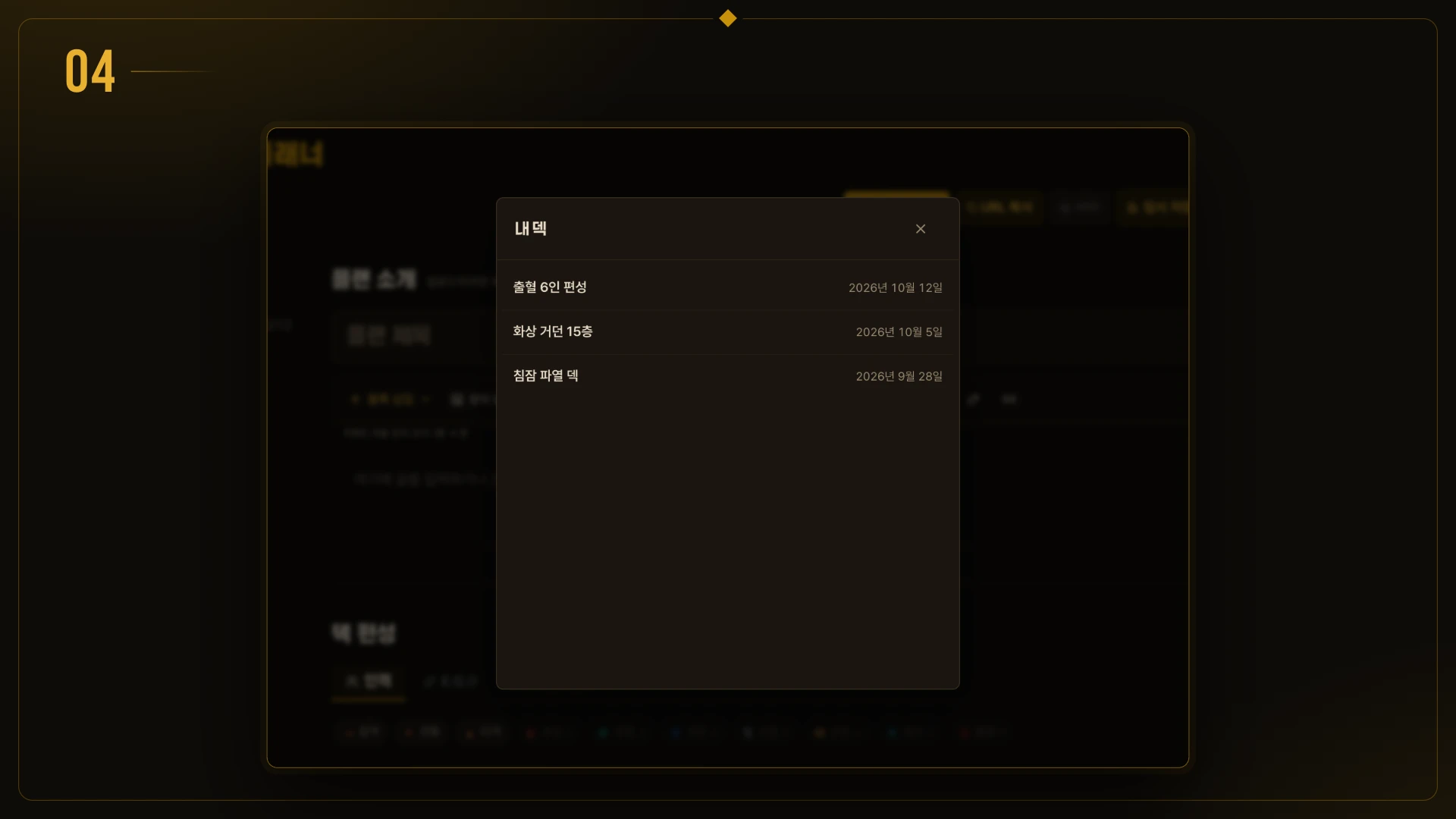
The plan editor's formation has Import from my deck: pick one of your decks to copy its identities, E.G.O, uptie levels and formation order into the plan. The deck builder has Import from plan for the reverse. If there is already a formation, you are asked before it is replaced.
Decks and plans you are writing are saved automatically in this browser. If you close the page by mistake, come back and restore them from 'Autosaved draft'. The autosave is cleared when you upload.
Floor planning has a Copy previous floor button that copies the gifts of the floor before.
The floor gift picker has a Recently used group with the last 12 gifts you picked.
05 Better search
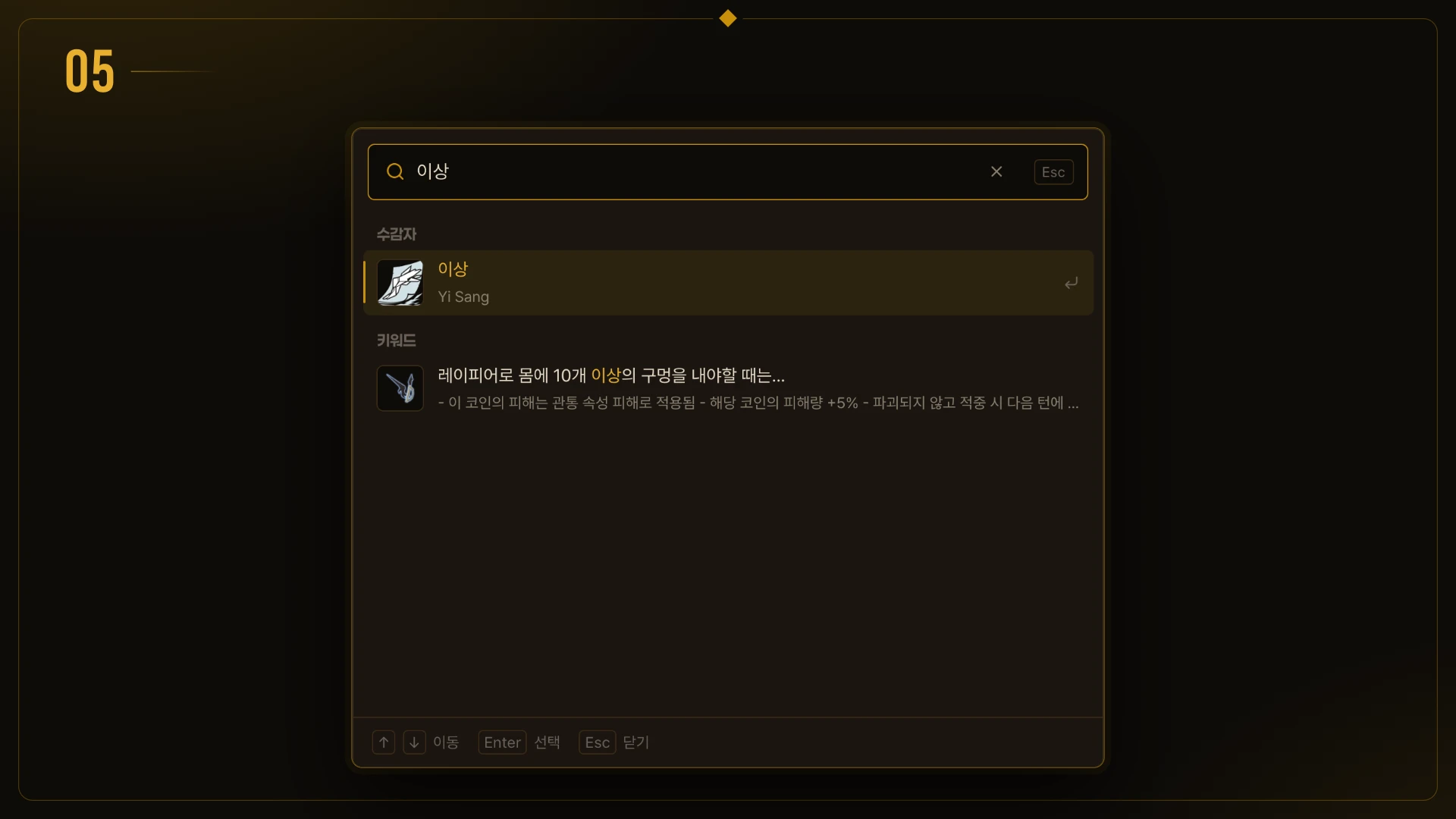
While you type Korean or Japanese, results no longer flicker; they update when a character is complete.
Letters that match your search are highlighted in gold.
While new results load, the old ones fade, and Enter no longer jumps to an old result.
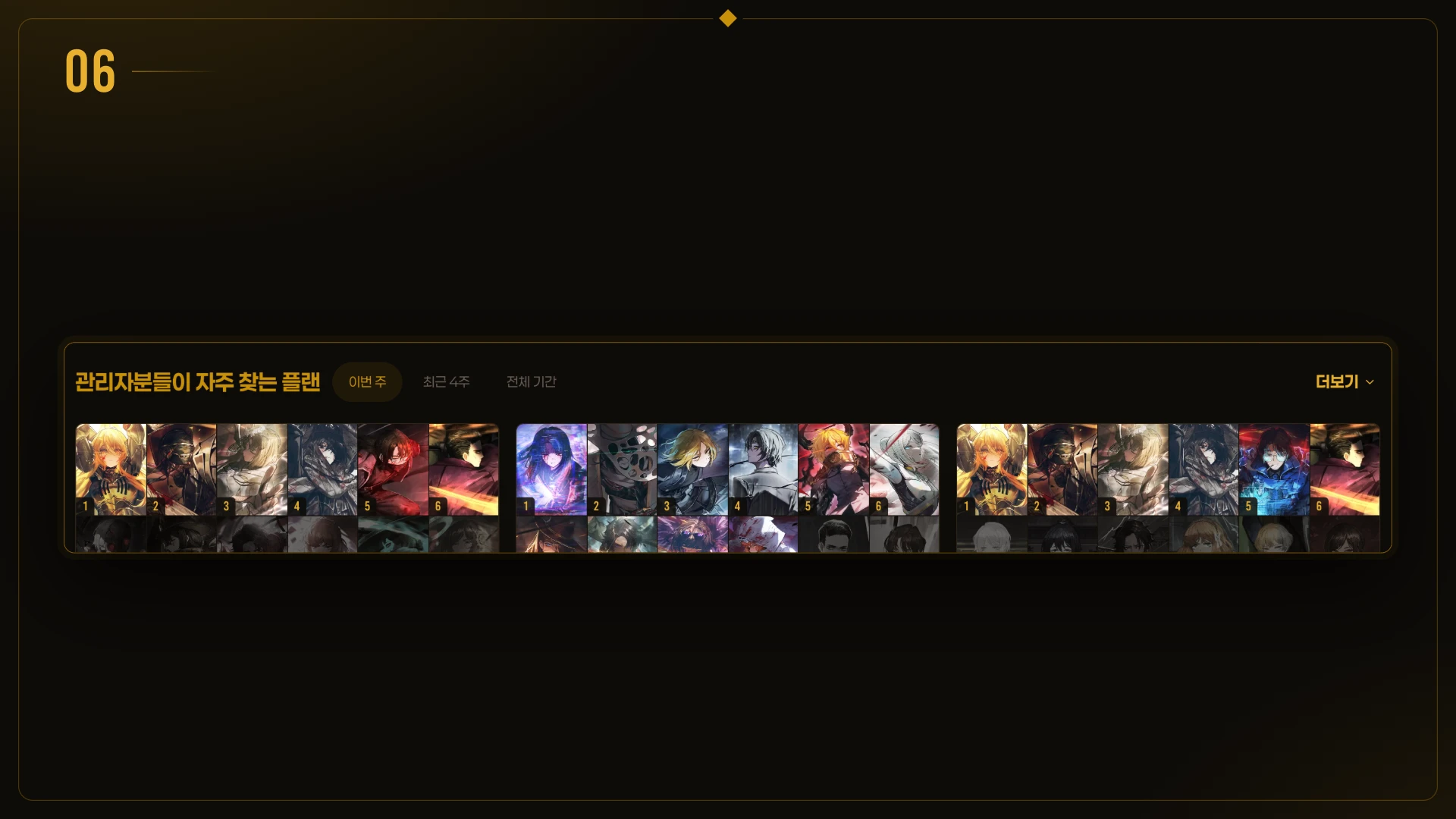
06 Popular lists follow the update week
The frequently visited lists on the deck and plan boards and the popular decks and plans on the home page now follow Limbus Company's update time (Thursday 12:00 KST).
This week counts from last Thursday 12:00, Last 4 weeks from four updates ago. Decks from the previous meta no longer mix in right after a patch.
Other changes
Plan and deck detail pages load lighter: data the page does not show is no longer sent.
Animations such as progress bars and folding sections are smoother. Cards no longer stay highlighted after a tap on phones.
Assist mode downloads its recognition files from a new place. Nothing changes in how you use it.
Good to know
Screenshots are from the Korean site. The series shown is an example made for this notice.
Autosave stays in the browser you are using; it does not carry over to other devices.
Importing a formation and series need you to be signed in.
If anything looks wrong, please let us know through the contact page.